Skip to content
NOVGEN3D

GLB converter: export to STL, OBJ, USDZ, PLY, and GLTF online

Convert a GLB into GLTF, OBJ ZIP, STL, PLY, or USDZ directly in your browser. NovaGen3D's GLB converter runs entirely on your device without signing in. It does not upload your local file to an external processing server, and conversion uses 0 credits. Downloading converted files requires a paid plan, with no additional credit charge.

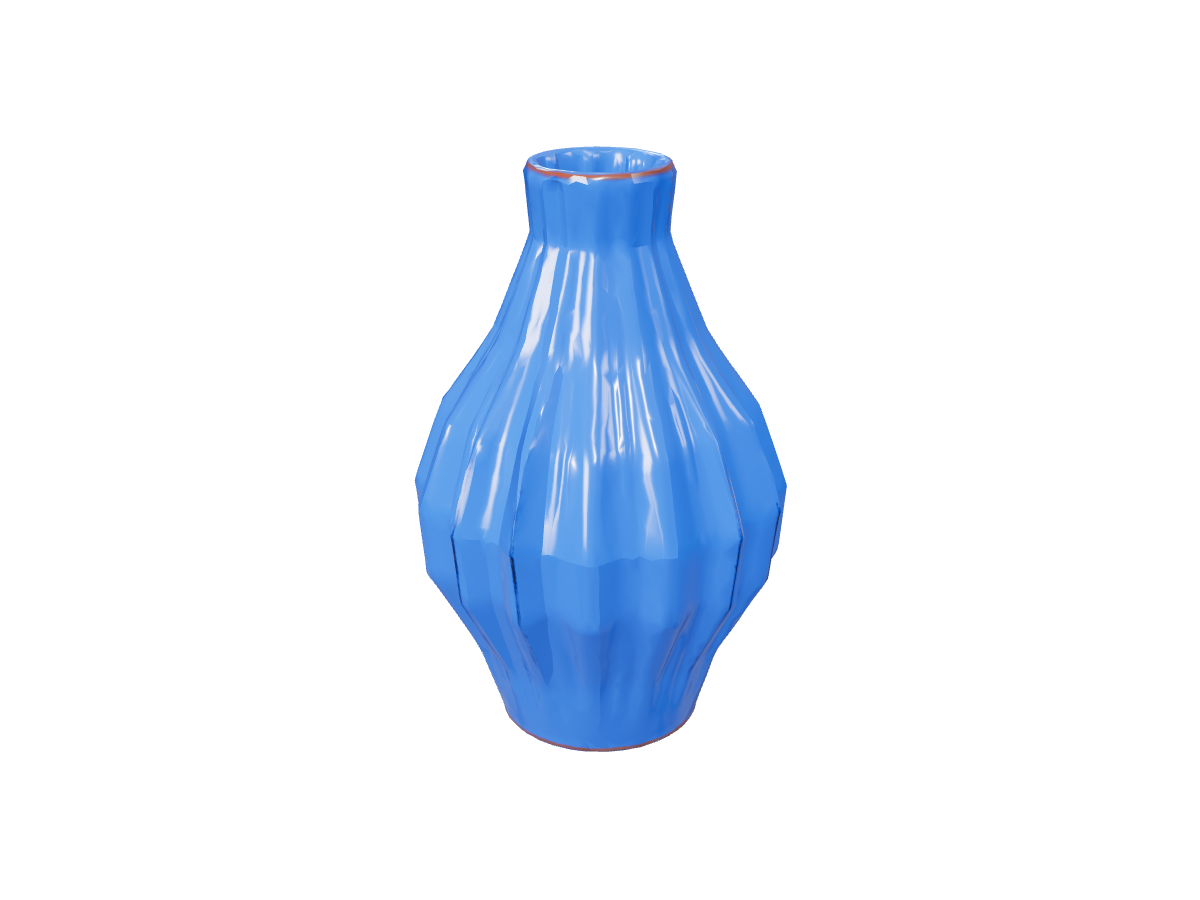
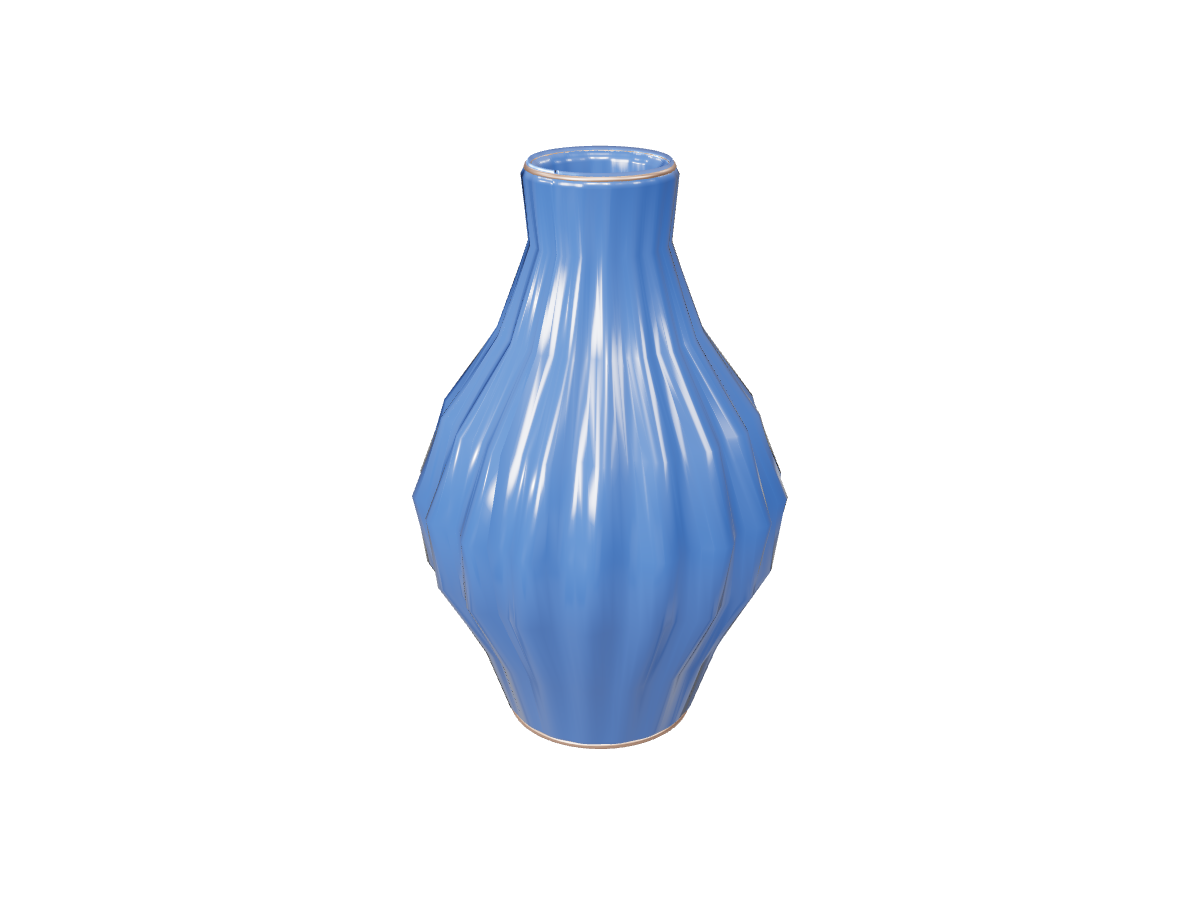
Vase: local GLB exports

3D format converter workspace

Model examples

Use this online 3D file converter to prepare your assets for 3D printing slicers, game engines, Apple AR Quick Look, or DCC suites like Blender and Maya. Compare what each format retains below, then choose your destinations.

Choose what to keep in the export

Different 3D workflows demand specific data pipelines. Review what each export carries before converting:

FormatExport ContentsBest Used For & Considerations
GLTFFull original geometry, PBR materials, skeletons, animation clipsWeb 3D engines (Three.js, Babylon.js); unbundled JSON/binary representation
OBJ ZIPStatic triangulated mesh, MTL material library, base-color texturesUniversal import into Blender, Maya, 3ds Max; animation is not retained
STLStatic surface geometry with meter coordinates scaled to millimetersCheck scale and mesh integrity in Bambu Studio, Cura, or PrusaSlicer
PLYStatic mesh with embedded vertex color data (coordinates in meters)Point cloud analysis, photogrammetry tools, research visualization
USDZCompact single-file model with supported mobile PBR materialsNative Augmented Reality (AR Quick Look) on iOS, iPadOS, and macOS

GLTF unbundles supported source data, including rigs and animations. Check the result in your destination tool. The other exports capture the model in its current rest pose. Keep your source GLB safely stored whenever you plan to revisit bones or animation sequences later.

Spiral-glazed ceramic vessel: Original reference

Input requirements for local conversion

  • File specification: Self-contained glTF 2.0 binary (.glb) up to 100 MB, with embedded textures and geometry buffers.

  • Source flexibility: Drag and drop a local file, provide an accessible HTTPS model URL, or import directly from My Assets after signing in.

  • Client-side speed & privacy: Conversion executes in your browser's local runtime. Selected local files are not uploaded for conversion.

  • Download with a paid plan: Download converted packages in your session; local export files are not stored remotely on server databases.
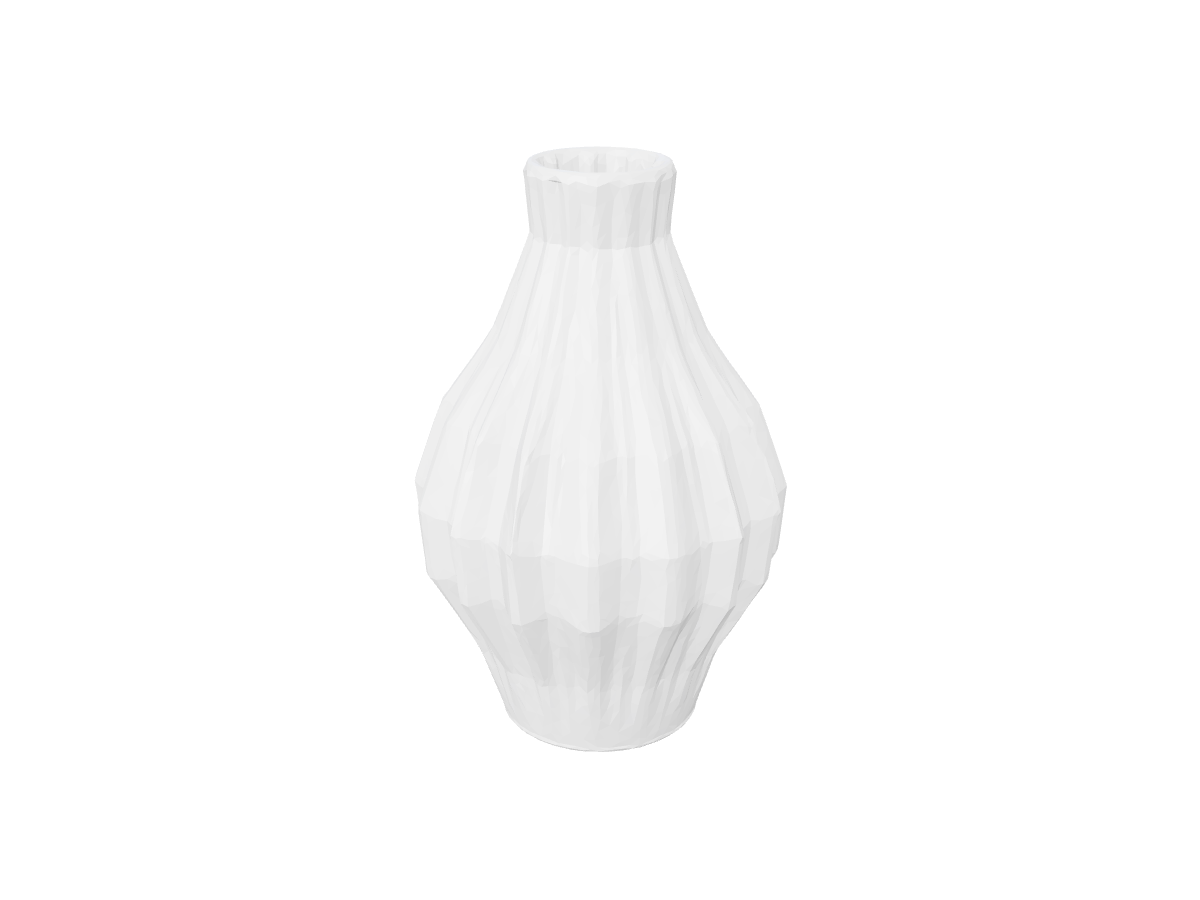
Vase: local GLB exports: Actual STL export · geometry

Preparing GLB to STL for 3D printing slicers

When exporting to STL for 3D printing, our converter automatically translates standard glTF meter coordinates into millimeters, aligning with the default coordinate space of modern slicers.

Pro-tips for a successful print:

  1. Verify wall thickness: Ensure thin sections meet your printer nozzle and material minimums (e.g., > 1.2 mm for standard FDM printing).

  2. Inspect manifold geometry: In your slicer (such as Bambu Studio, Cura, or PrusaSlicer), check for watertight borders and self-intersections.

  3. Orient for strength: Position the model to minimize overhangs and generate effective tree or linear support structures before slicing.

Vase: local GLB exports

Vase: local GLB exports: Source GLB · textured
Source GLB · textured
Vase: local GLB exports: Actual STL export · geometry
Actual STL export · geometry

Frequently asked questions

Does my 3D model get uploaded to any server during conversion?

No. Local conversion runs client-side in your web browser. When you select a file from your computer, it stays on your device. When loading from a URL or My Assets, your browser fetches the file directly into local memory. Local conversion needs no sign-in and consumes 0 credits. My Assets requires signing in.

Is downloading a converted file included for free?

Conversion is available without an account. Downloading the output requires an active paid plan and uses no additional credits. Click a download control to choose a plan; closing the dialog keeps your conversion results available in the current page.

Can I convert OBJ or FBX files to GLB here?

This converter specializes in outgoing exports from self-contained GLB files. To inspect, rotate, and evaluate OBJ, FBX, STL, or PLY files on your device, use our companion online 3D viewer.

How do textures carry over in an OBJ export?

The OBJ export is bundled as a convenient ZIP archive containing the .obj mesh, the .mtl material file, and base-color texture maps. Extract all files into the same local folder so your 3D editing software can immediately locate and render the textures.

How do I scale the model for physical manufacturing?

Because glTF files express dimensions in meters and STL interprets units in millimeters, the converter applies a 1,000x unit translation. Check the bounding box dimensions in your slicer's transform panel and adjust the uniform scale to match your intended real-world product dimensions.

Convert a GLB